Details
-
Fix
-
Status: Released (View Workflow)
-
 Minor
Minor
-
Resolution: Fixed
-
2.8.2
-
None
-
None
Description
Current Behavior:
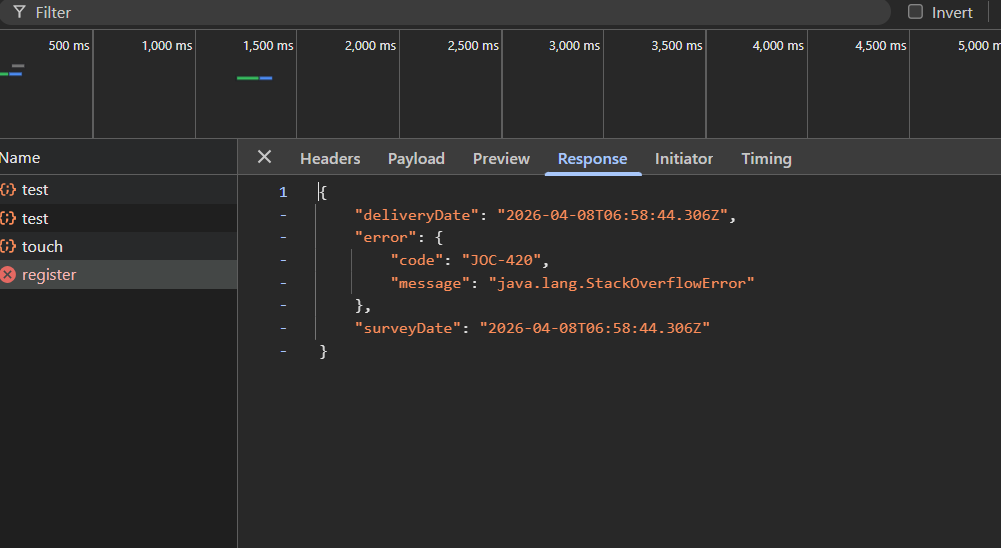
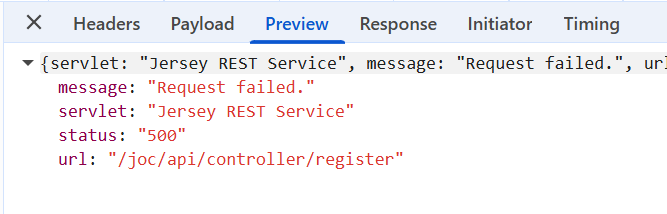
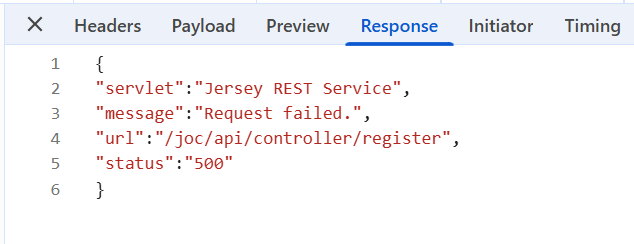
- The Controller gets registered successfully during the first registration. When re-registering a Controller after deletion, the UI displays a "Request Failed" error on submit, even though the Controller is successfully registered in the backend and only becomes visible after reloading JOC Cockpit.
Steps to Reproduce:
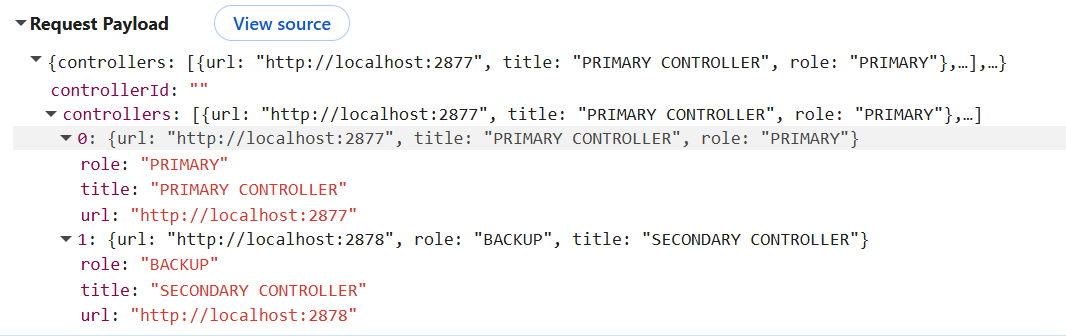
- Register the Controller cluster through JOC Cockpit by providing the primary and secondary Controller instance's URL.
- Then delete the registered Controller cluster from the JOC Cockpit.
- Reregister the Controller cluster.
- An error appears stating "Request Failed" when clicking the Submit button, as indicated from the attached error.jfif

Desired Behavior:
- Re-registering a Controller after deletion should complete successfully without any error message, and the UI should immediately reflect successful registration without requiring a reload.