Details
-
Fix
-
Status: Released (View Workflow)
-
 Minor
Minor
-
Resolution: Fixed
-
2.8.2
-
None
Description
Current Variables :
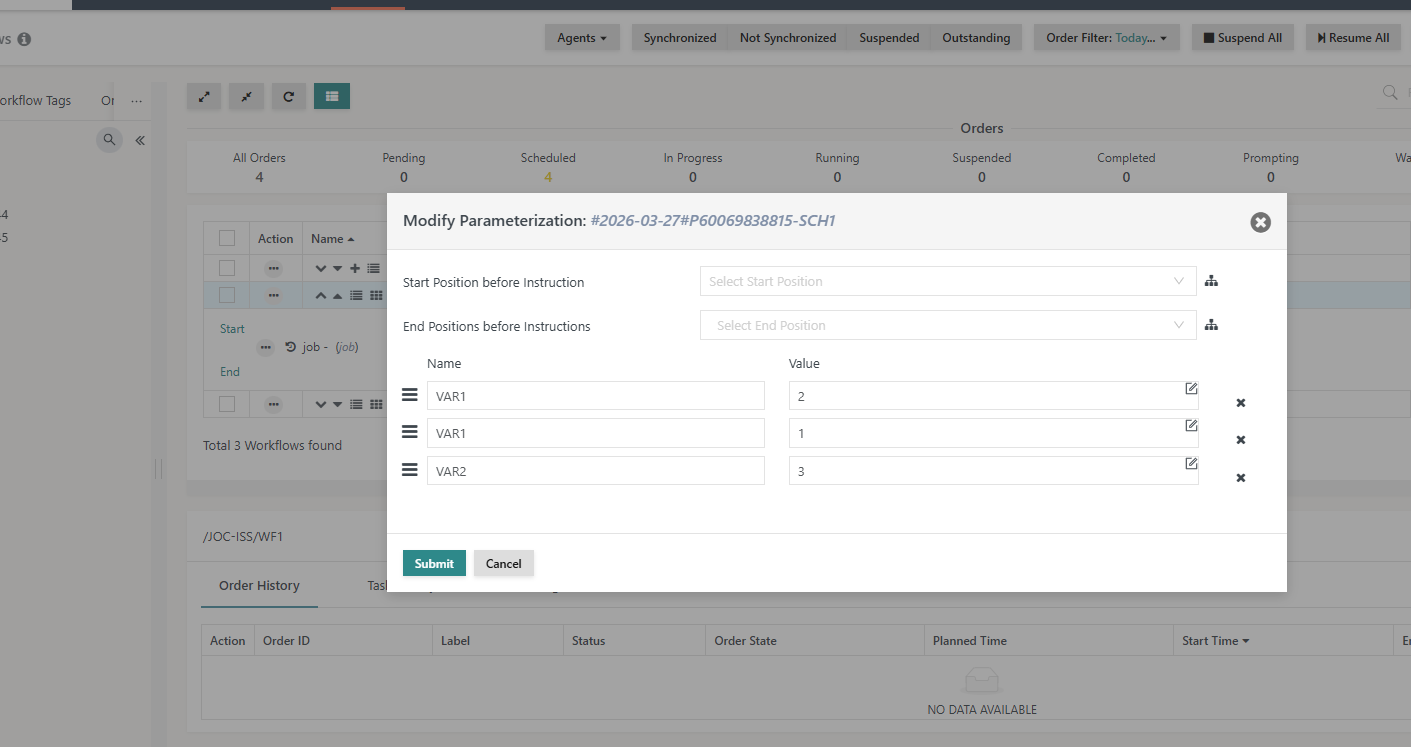
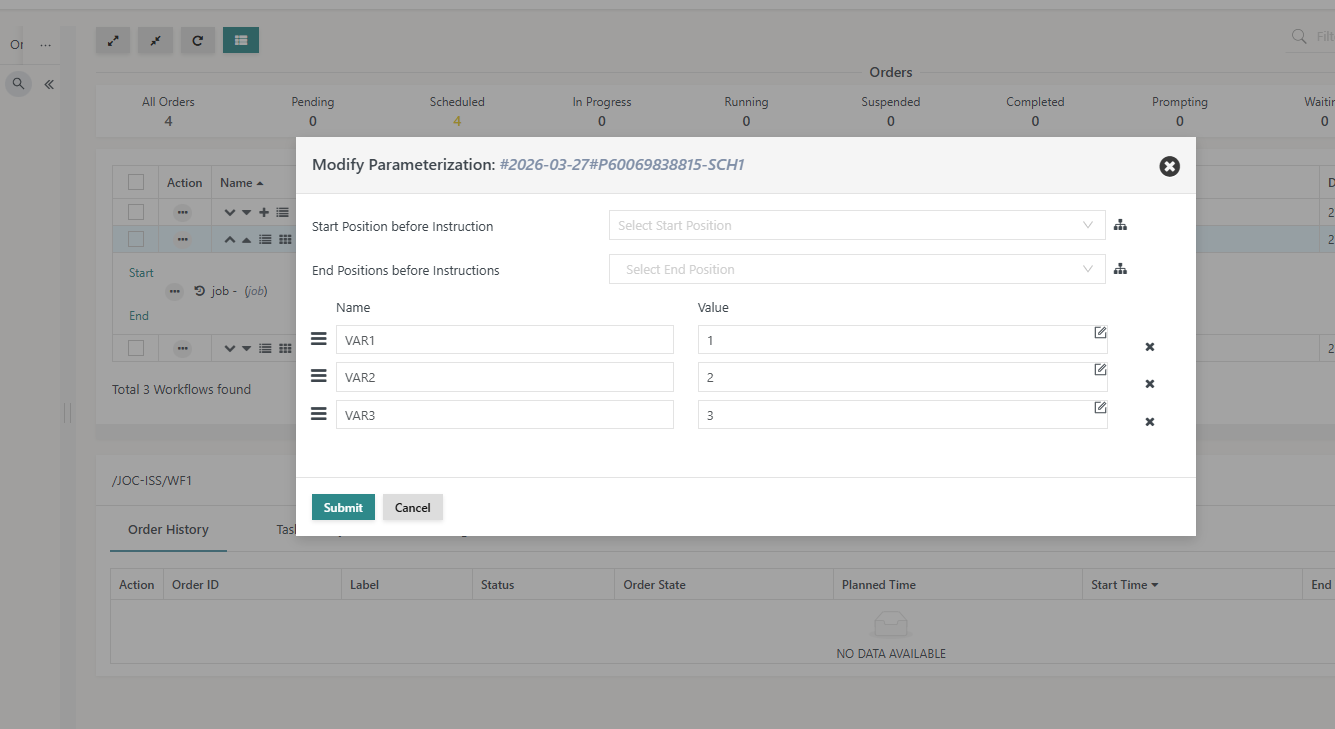
When reordering variables in the Modify Parameterization modal window, the variable names are unexpectedly modified. This results in incorrect mapping between variable names and their positions. See attached images for better understanding.
Steps to Reproduce :
- Create a workflow with variables: VAR1, VAR2, VAR3
- Add the workflow to a schedule with a future runtime
- Release the schedule
- Navigate to Workflow View
- Locate the workflow order
- Click on three dots (⋮) of the scheduled order → Modify Parameterization. In the modal window, reorder variables (e.g., move VAR3 to top by drag & drop)
- Reordering variables changes their names, not just their position
- Variable values remain unchanged, but names are reassigned incorrectly
- VAR3 becomes VAR1
- VAR1 becomes VAR2
Desired Behaviour :
- Reordering should only change the position of variables
- Variable names must remain unchanged